Identify current direct and indirect costs and potential cloud costs to truly understand the costs of cloud computing.
You’ve learned about the benefits that cloud computing can bring to your organization and think migrating to the cloud might be the right move. You present your case to your boss, who promptly asks, “Well, how much is this going to cost, and how much are we going to save?” Yikes. That’s a tough question. Have no fear, we’re going to break down the key things you need to think about and account for when calculating the cost of moving your IT infrastructure to the cloud. To truly understand how cloud computing impacts your bottom line, you have to take a holistic approach to calculating the cost of cloud computing. Not only should you calculate the direct costs, but you have to also include the indirect costs such as the impact of potential downtime on employee and customer productivity. Let’s take a look at the steps you should take to calculate the true cost of cloud computing.
1) Audit your current IT infrastructure costs
The first step you should take is to perform an audit to better understand the scope and scale of your current IT operations. This will help you 1) understand what you’re currently paying to run your IT operations and 2) determine what your new cloud environment might look like. Having this baseline will help you calculate the potential cost of the cloud resources you’ll consume and compare it to current cost levels. The first thing to keep in mind is that you need to consider the total cost of ownership of your IT operations. That is, the total cost of using and maintaining your on-premise IT investment over time, and not just what you pay for infrastructure. This will include direct and indirect costs.Direct Costs
Direct costs are the ones that you have to shell out money for and directly hit your balance sheet. The first category of direct costs are the hardware and software that makes up your IT infrastructure. This includes your physical servers, software licenses, maintenance contracts, warranties, supplies, material, spare parts, and anything else that you directly pay for. You can calculate these costs by pulling invoices, purchase orders, and payment records from your accounts payable department. While you might have to wade through paperwork and spreadsheets, these direct costs should be relatively easy to calculate. You should also gain a thorough understanding of how much networking bandwidth, storage, and database capacity you consume with your servers and other technology. Additionally, take note of the attributes and details of your infrastructure, such as database types, number of servers, and storage capacity. You’ll use this information when calculating the total cost of ownership of moving to the cloud. (The next section, “Calculate your estimated cloud infrastructure costs,” goes into more detail on what information you should gather to input into a cloud cost calculator.) The second type of direct costs are operational costs. These can include:- Labor (internal and external) for maintenance of your servers, databases, and other IT components
- Facilities used to house IT hardware, staff needed to maintain these facilities, real estate costs, and other facilities-related costs
- Internet connectivity
- Any other costs that can be attributed to upkeep of your IT
Indirect Costs
Indirect costs may be more difficult to calculate but are just as important as direct costs. The largest source of indirect costs is the downtime and loss of productivity your employees and customers suffer if your IT infrastructure goes down. You can calculate these costs by reviewing log files to determine how often your servers go down and for how long, and multiply that time by an average hourly rate. If you can estimate the revenue your company might lose due to downtime, that should be included as well. Indirect costs can be difficult to estimate, but are very important to consider, as they can make up a significant portion of overall IT costs.2) Calculate your estimated cloud infrastructure costs
Once you have determined your current on-premise infrastructure costs, the next step is to calculate the potential cost of using cloud infrastructure. After you have completed your audit, you should have a good understanding of the networking, storage, and database capacity you need to run all of your company’s applications. While cloud pricing used to be extremely complicated, providers have now simplified their pricing structures so potential customers can more easily understand them. Regardless of whether you have selected which cloud computing provider you’re going with, you can use one of the multitude of cloud cost calculators available to get an idea of what your cloud infrastructure costs may be. Here’s a short list:- Amazon Web Services (AWS) Total Cost of Ownership (TCO) Calculator and more in-depth monthly cost calculator
- Google Cloud Platform Pricing Calculator
- Microsoft Azure’s Pricing Calculator
- Rackspace’s calculator
- IBM Bluemix’s calculator
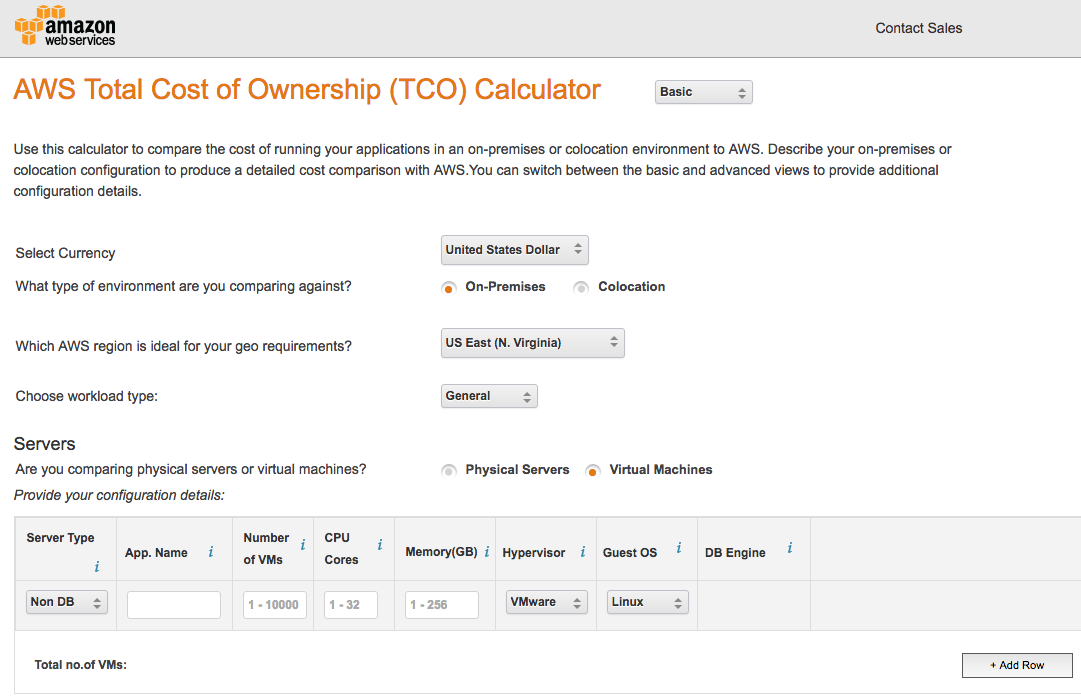
AWS’ TCO Calculator
Click here to access AWS’ TCO Calculator. The first step you need to do is input your existing or planned on-premise infrastructure. If you start with the Basic calculator, you’ll have to input the following information:- Servers
- Server type
- Number of virtual machines
- CPU cores
- Memory in GB
- Hypervisor, Guest OS, and DB Engine, if you input a server type
- Storage
- Storage Type
- Raw Storage Capacity
- % Accessed Infrequently (if you use Object Storage)
AWS Monthly Cost Calculator
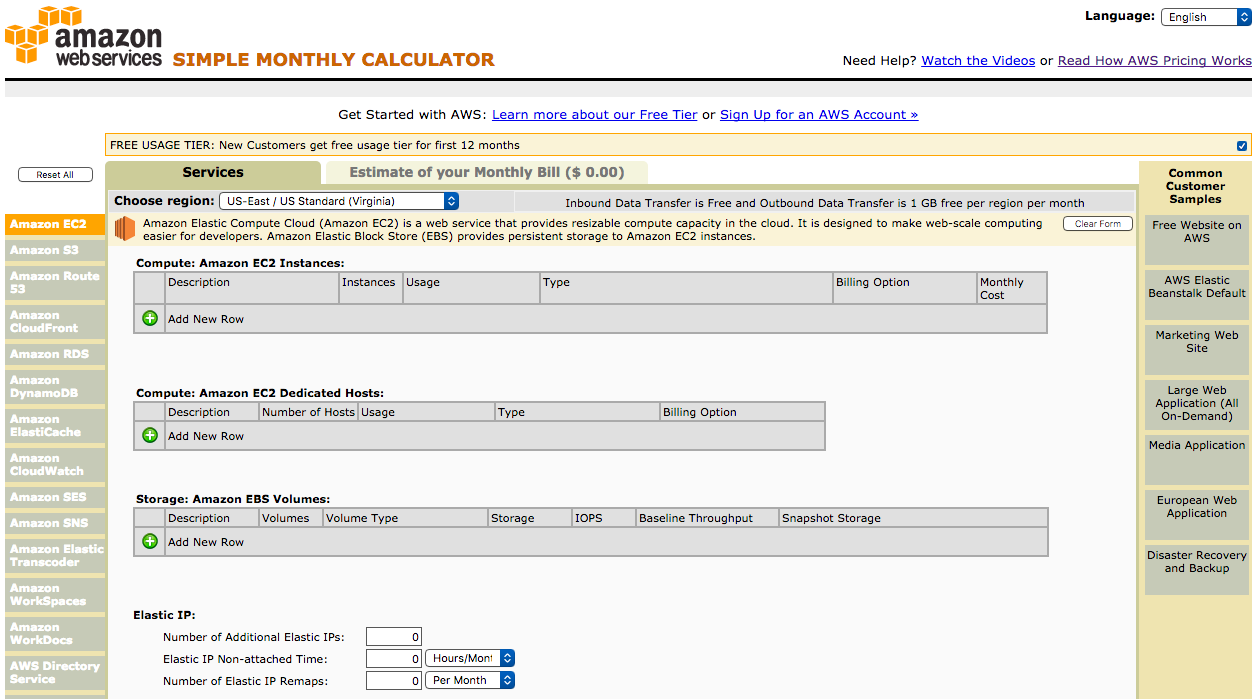
In addition to an overall TCO calculator, AWS also provides a monthly cost calculator that allows you to get extremely detailed to calculate estimates of your monthly bill.